

TAG
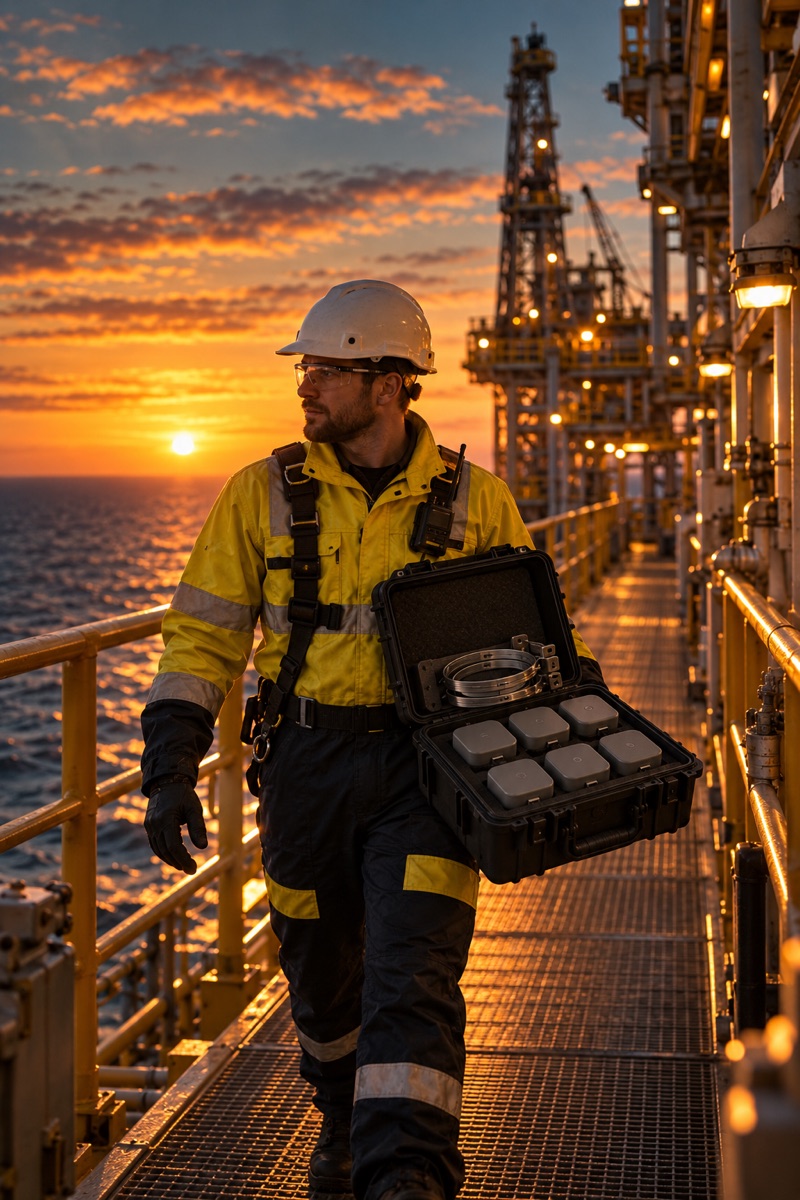
The rugged ID badge worn on the normal lanyard. Intrinsically safe, long-life battery, reports presence to the readers.
Plain answers and quick references: what deployment involves, the vocabulary, the certification markings and the questions we hear first.
Five steps, days not months, and no shutdown to do it.
Decide the areas that matter — muster stations, process units, decks, headings. The zones come from your plans; the live view is organised around them.
One reader covers each zone, fixed to structure or handrail with a simple bracket. Battery-powered — no cabling, no power runs, no hot work.
A handful of powered points carry the mesh back to the live view, placed where power already exists. This is the only cabling in the system.
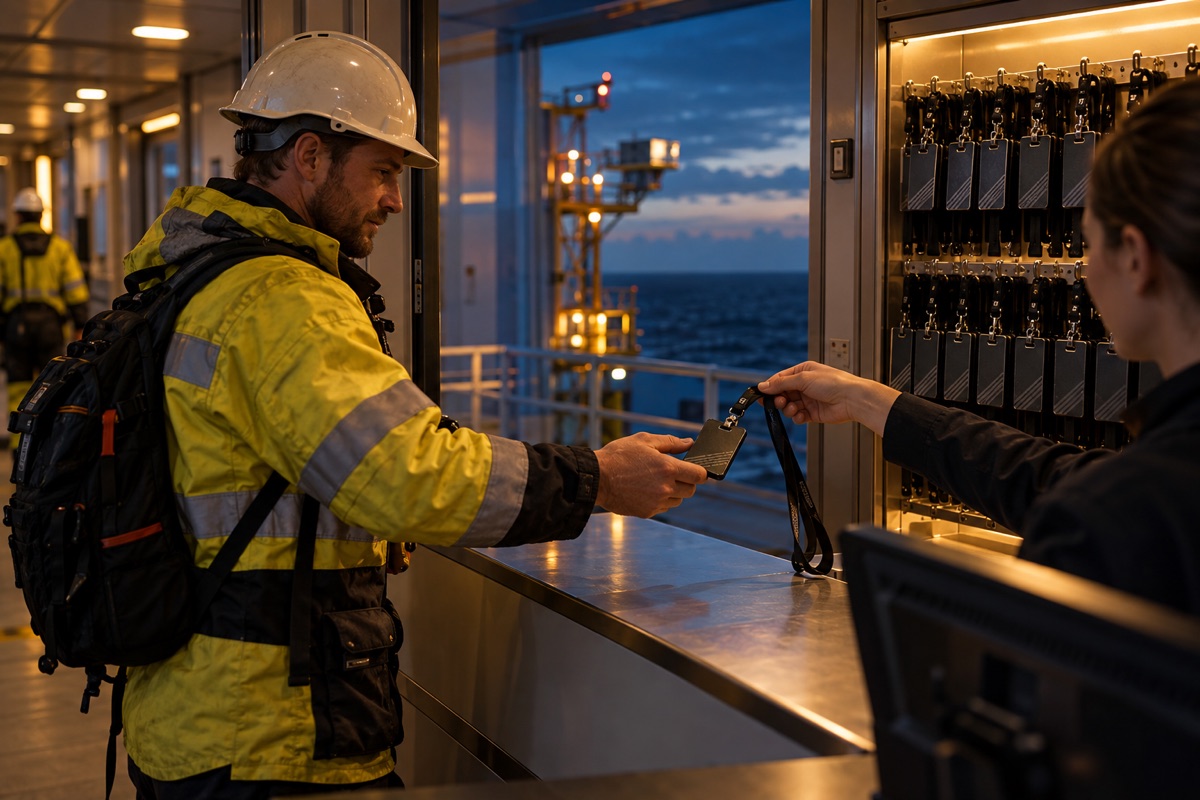
Badges go on the normal lanyard at check-in and are assigned to people there. Nothing to charge nightly, no app, nothing to remember at shift start.
The live view runs on site, at the edge. Presence and headcount by zone from day one — and the first muster drill can run the same week.
Eight terms cover the whole system.
The rugged ID badge worn on the normal lanyard. Intrinsically safe, long-life battery, reports presence to the readers.
The battery-powered unit covering a zone. Readers mesh with each other over a low-power wireless link — they are the network.
The powered point that links the mesh to the live view. A site needs a handful of them, placed where power already exists.
An area you define — a muster station, a process unit, a deck. Presence is resolved to zones, not to footsteps.
The zone people report to in an emergency. As tags register there, the live view counts them in against the POB.
The on-site dashboard: presence and headcount zone by zone, muster progress, and every reader registration as it happens.
Personnel on board — everyone currently on site, and the number a muster has to account for.
A zone armed for the duration of a hazardous job, with a named list of who may be inside. Any other tag registering there raises a breach with the person's name and last reader; standing the zone down closes it and files the record.
A tag that has stopped reporting. The live view flags it with the person's last zone and reader rather than guessing.
Intrinsically safe (Ex ia) — certified for Zone 0, Zone 20 and Group I mining.
Ex I M1 Ex ia I Ma
Ex II 1G Ex ia IIC T4 Ga
Ex II 1D Ex ia IIIC T200 135°C Da
Ex ia IIC T4 Ga
Ex ia IIIC T135°C Da
−20°C ≤ Ta ≤ +55°C
Cl I, II, III Div 1, Groups A–G, T4, Ex ia
Cl I Zone 0 AEx ia IIC T4 Ga
Zone 20 AEx ia IIIC T135°C Da
The questions we hear first from HSE leads, OIMs and site managers.
Personnel wear a rugged ID badge tag on their normal lanyard. The tags talk to a low-power wireless mesh across the site, and a live dashboard shows presence and headcount zone by zone — at muster stations, in process units, wherever you define.
Yes. The tags are intrinsically safe (Ex ia) and certified for the most demanding classifications — Zone 0 gas, Zone 20 dust and Group I mining. The full ATEX, IECEx and North American markings are in the reference above.
Exclusion zones for hazardous work, run live. Before a crane lift, a pressure test or a confined-space entry, the supervisor arms the zone on the tablet and names who is authorised to be inside. From that moment any other tag that registers in the zone is flagged on the live view and on the tablet, with the person's name and last reader, and every breach is logged against the job. When the work is done the zone is stood down and the record is filed. It uses the same badges and readers as the muster, so there is nothing extra to install.
No. ModuTrace runs on-site, at the edge — the live view keeps working if the site's uplink doesn't. Cloud connectivity is an option for off-site visibility, never a dependency.
The readers are battery-powered, so there is no site-wide cabling to run — power is needed only at a handful of gateway points. Coverage goes up in days, and when the site layout changes — a turnaround, a new heading, a moved muster point — the network moves with it.
Wear the badge. That's it. The tags are rugged and long-life, with nothing to charge nightly, no app to install and nothing to remember at shift start.
ModuTrace is built for safety, not surveillance: it answers "who is in this zone" and "is everyone at muster", at zone level. The data is yours, held for your site's safety case — not a product we resell.
No. Hazardous areas get the intrinsically safe (Ex ia) tags and readers. Workshops, warehouses, offices and yards can use the same system in a non-Ex variant, which costs less. A mixed site runs both on one live view, and the badge a worker wears looks and behaves the same either way.
Each site gets its own proposal. We survey the site, agree the zones that matter — muster stations, process units, the places a headcount has to be right — and propose the hardware those zones need: how many readers, where, Ex or non-Ex. The price follows that list, so the costing is as efficient as the coverage allows, and later phases add to it without replacing anything.
ModuTrace is standalone by design — it delivers its full value with no other software. When you want more, it connects to the wider Modu family of worksite safety products from EOS.